blog.lukach.io
ClickOps #6 - Transfer Domain to another AWS Account
by John Lukach
Now that CloudFormation StackSets has deployed the Cloud Development Kit (CDK) Bootstrap, I can start using Infrastructure as Code (IaC) from my GitHub Profile to set up Route53 Public Host Zones.
https://github.com/jblukach/domains
The host zone in the destination account must exist before transferring the name servers from the existing account to avoid a DNS interruption.
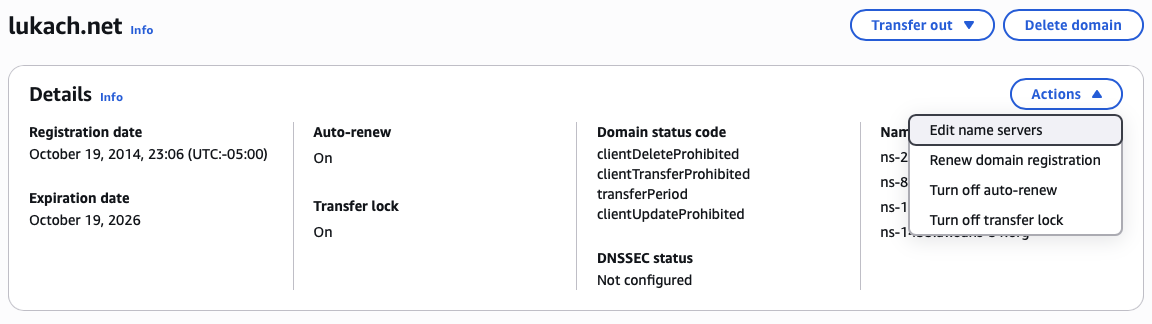
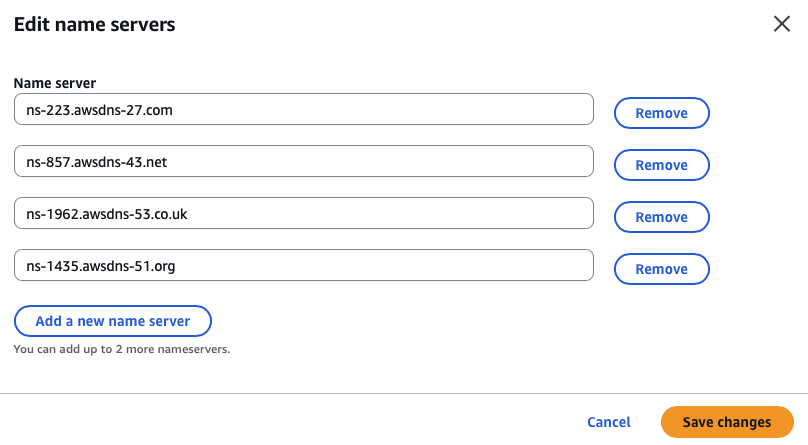

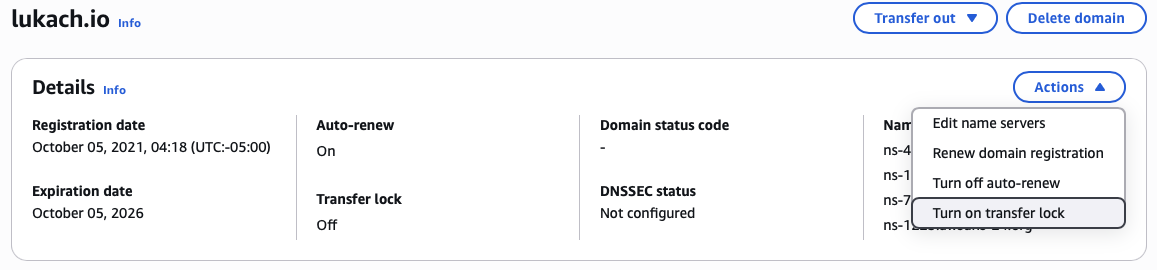
Once the new host zone has taken over the name servers to provide DNS, I am ready to transfer the registered domain. The first step is to turn off the transfer lock, which will trigger a security email notification.
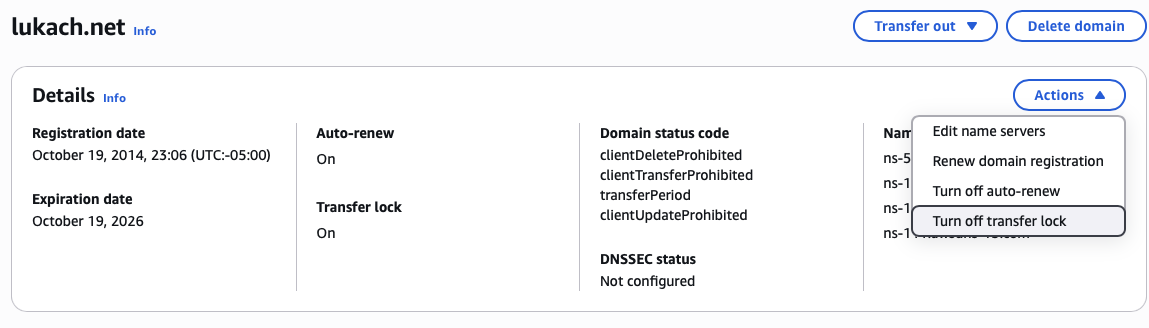
Once the transfer lock is off, the domain transfer to another AWS account can begin.
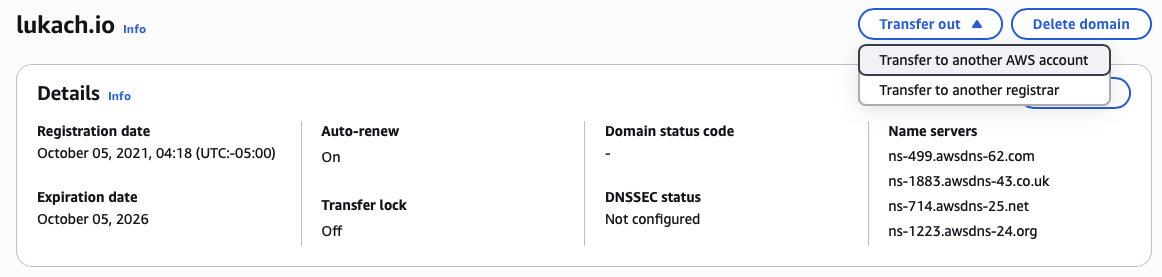
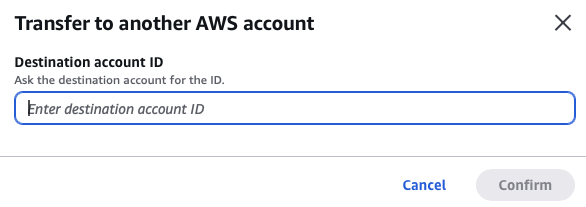
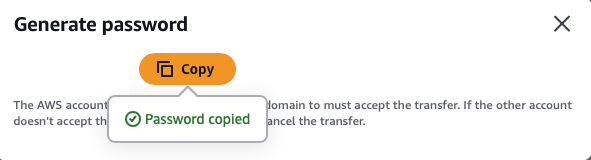
Now go to the new AWS account that will host the domain, select the domain, and enter the generated password. Historically, this required a support ticket, which delayed the domain transfer.

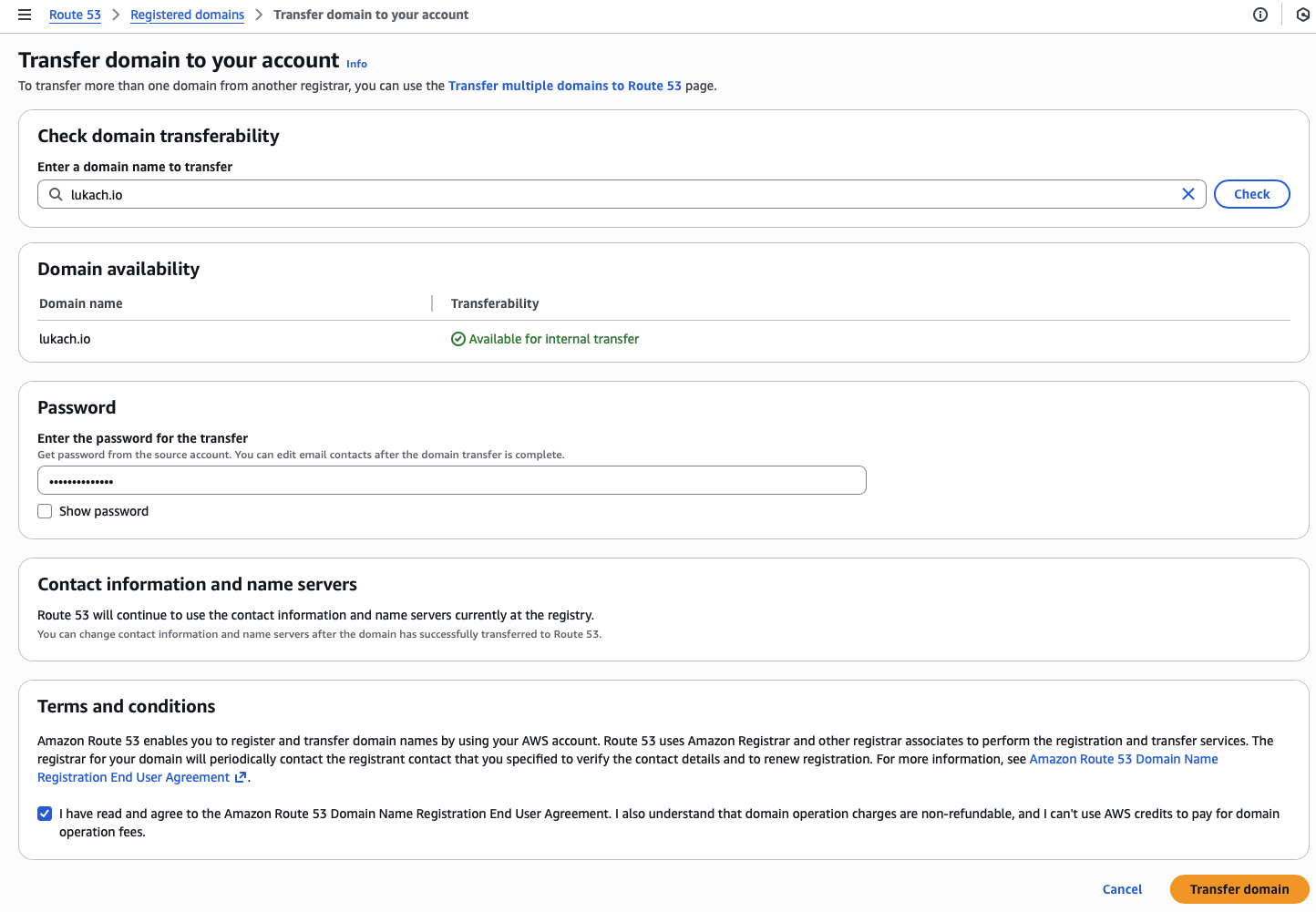
Remember to turn the transfer lock back on!